![1f613ec134bc17877e144c3a22fc3808.png]](https://help.thirst.io/hs-fs/hubfs/1f613ec134bc17877e144c3a22fc3808.png?height=40&name=1f613ec134bc17877e144c3a22fc3808.png)
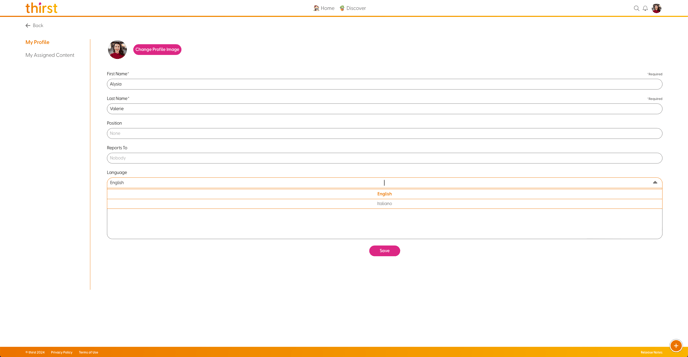
To edit your language:
- Go to
My Profile - Select
Edit Profile - Under
Language, select the language you would like to use - Select
Save
Thirst will now be in the language you have selected.
Please note that user-generated content is not currently translated.
Current languages that can be used are English and Italian. New languages will be added in future releases.